August 18, 2026
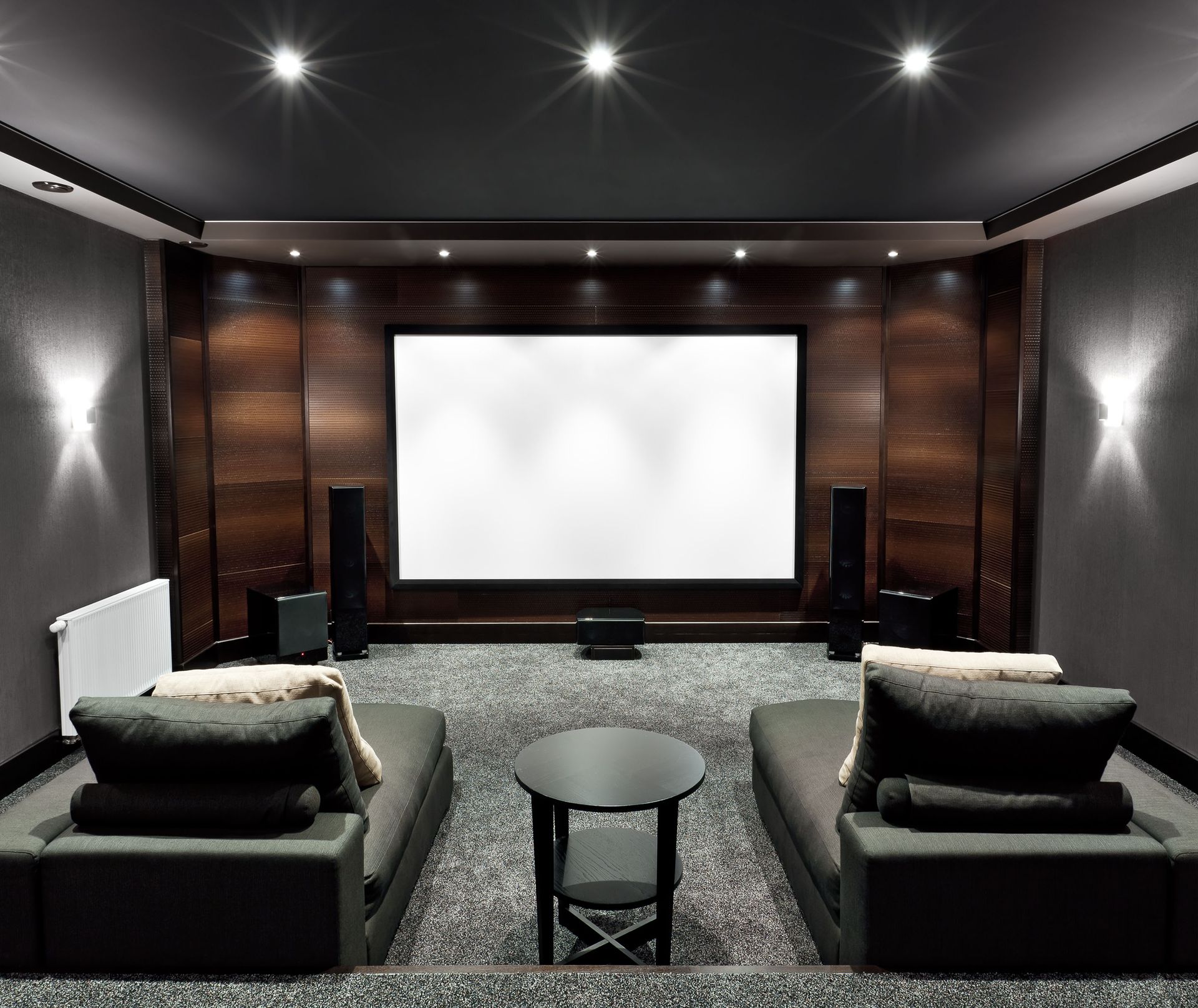
A home theater can transform everyday entertainment by bringing movies, sports, music, and gaming into a more immersive environment. However, even a well-designed system can begin to feel outdated as display technology, audio formats, streaming platforms, and connection standards evolve. Equipment that worked perfectly several years ago may still function, but it may no longer deliver the picture quality, sound performance, convenience, or compatibility that newer content supports. Keeping a theater current does not always require replacing everything at once. Strategic updates can extend the useful life of existing equipment while improving the overall experience.
Homeowners can make better upgrade decisions by reviewing each part of the system individually and considering how the components work together. Displays, speakers, receivers, streaming devices, wiring, networking equipment, and control systems all influence performance. Working with experienced audio video services can also help identify which upgrades will make a meaningful difference and which components can continue to serve reliably. A thoughtful approach makes it easier to modernize the room without unnecessary spending or disruptive renovations.
Review Your Equipment to Maintain Performance
Technology changes quickly, so a home theater should be evaluated periodically instead of only when something stops working. A system can gradually fall behind current standards without showing obvious signs of failure. New video formats, surround sound technologies, wireless protocols, and streaming requirements can create compatibility issues with older equipment. Taking time to review the system every few years helps homeowners recognize limitations before they interfere with entertainment or force an urgent replacement.
According to HomeAdvisor, homeowners should evaluate their home theater equipment every four to five years to see if advances in formats, connectivity, or performance make an upgrade worthwhile. This does not mean every component needs replacement at the same time. Audio video services can help compare current equipment with newer options and explain whether an upgrade would improve picture quality, audio performance, reliability, or ease of use. Regular assessments support a more deliberate and cost-effective upgrade plan.
Upgrade Your Display to Improve Performance
The display is one of the most noticeable parts of a home theater, and advances in screen technology can significantly affect the viewing experience. Older televisions and projectors may have lower resolution, limited brightness, weaker contrast, or reduced support for modern high-dynamic-range formats. If movies or games look noticeably darker, less detailed, or less vibrant than expected, the display may be limiting the performance of the entire system.
Before replacing a screen, consider viewing distance, room lighting, screen size, and the type of content used most often. A larger or newer display is not automatically better if it does not fit the room. Professional installers can help homeowners compare projectors, televisions, screens, and mounting options based on practical viewing conditions. Choosing a display that matches the space can provide a more visible improvement than simply selecting the newest model available.
Update Your Audio Components to Improve Compatibility
Sound formats continue to evolve alongside video technology. Older receivers may not support newer surround sound layouts, object-based audio, or the latest connection standards needed to pass high-resolution video signals. Speakers themselves can often remain useful for many years, but receivers, processors, and amplifiers may require updates sooner because they manage decoding, switching, and compatibility between multiple devices.
Homeowners should also listen for changes in speaker performance, including distortion, uneven output, weak bass, or a loss of clarity. Some problems may be solved through calibration, repositioning, or replacing a damaged component rather than rebuilding the entire audio system. Audio video services can test existing equipment and determine whether the issue is caused by aging hardware, poor setup, or outdated processing. This makes it easier to focus spending on upgrades that produce a noticeable improvement.
Improve Your Connections to Support New Standards
Cables and connection standards are easy to overlook because much of the wiring may be hidden behind walls, cabinets, or equipment racks. However, older cables can prevent newer devices from delivering their full performance. Changes in HDMI standards, network speeds, and signal requirements may affect resolution, frame rates, audio return features, and device communication. A television capable of advanced video performance may still be limited if the receiver or cable between devices cannot support the same standard.
When upgrading equipment, homeowners should confirm that the entire signal path is compatible. Replacing one component without reviewing the connections around it can lead to frustrating problems such as blank screens, inconsistent sound, or reduced picture quality. Audio video services can inspect cabling and recommend changes where needed while preserving wiring that remains suitable. Careful planning can prevent unnecessary wall work and help ensure that new components perform as intended from the start.
Strengthen Your Network to Support Reliable Streaming
Streaming has become central to many home theater systems, which makes network performance just as important as traditional audio and video equipment. High-resolution streaming, cloud gaming, wireless speakers, smart controls, and connected devices all place demands on the home network. Buffering, slow loading, dropped connections, or inconsistent picture quality may be caused by network congestion rather than a problem with the television or streaming device.
Improving network coverage may involve upgrading a router, adding wired connections, installing access points, or reorganizing connected devices. A stable wired connection can be particularly useful for equipment that remains in one location and regularly streams large amounts of data. Audio video services can evaluate how entertainment equipment interacts with the network and help reduce connection problems. A reliable network allows newer streaming features to work smoothly and supports future devices as they are added.
Refresh Your Controls to Simplify Daily Use
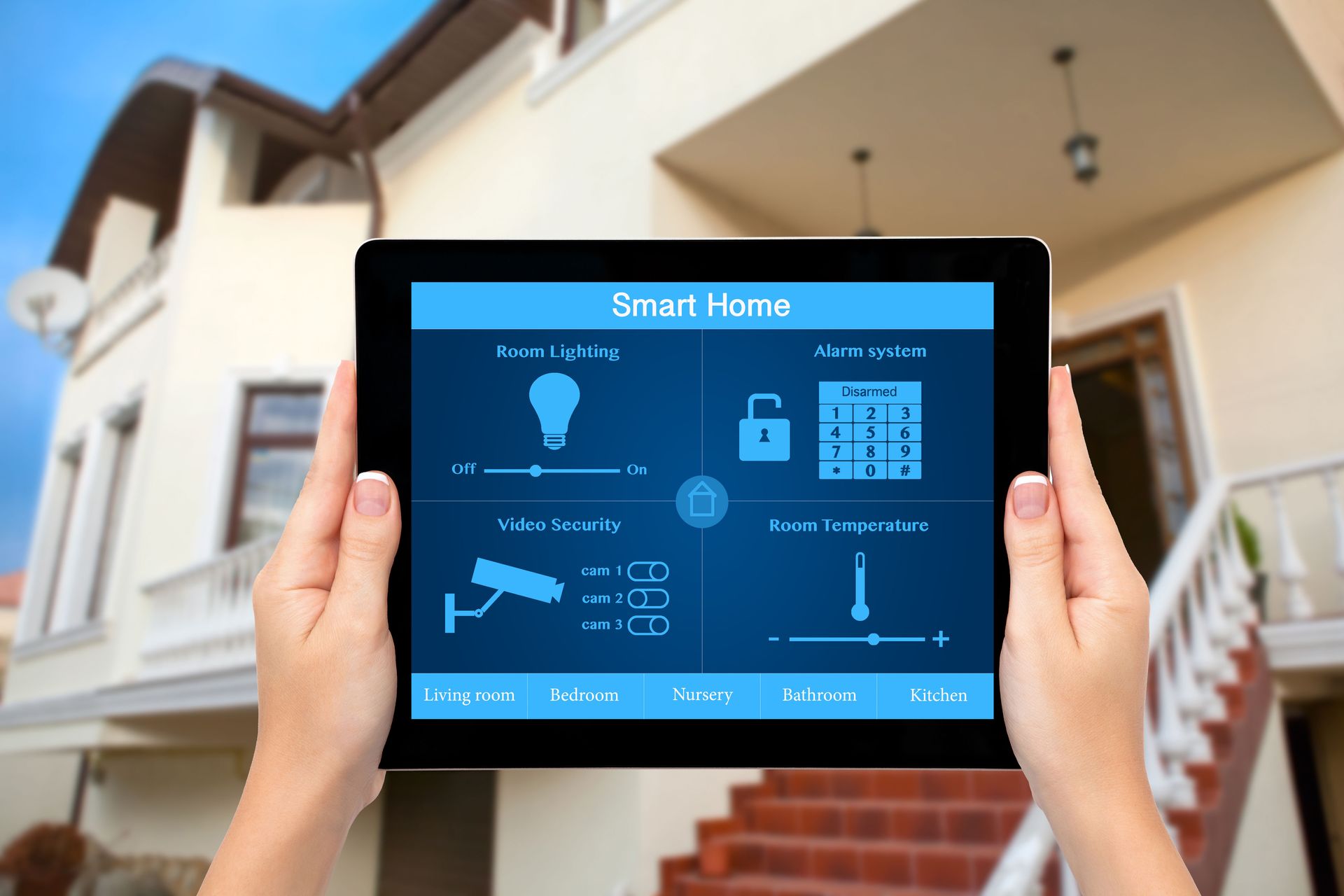
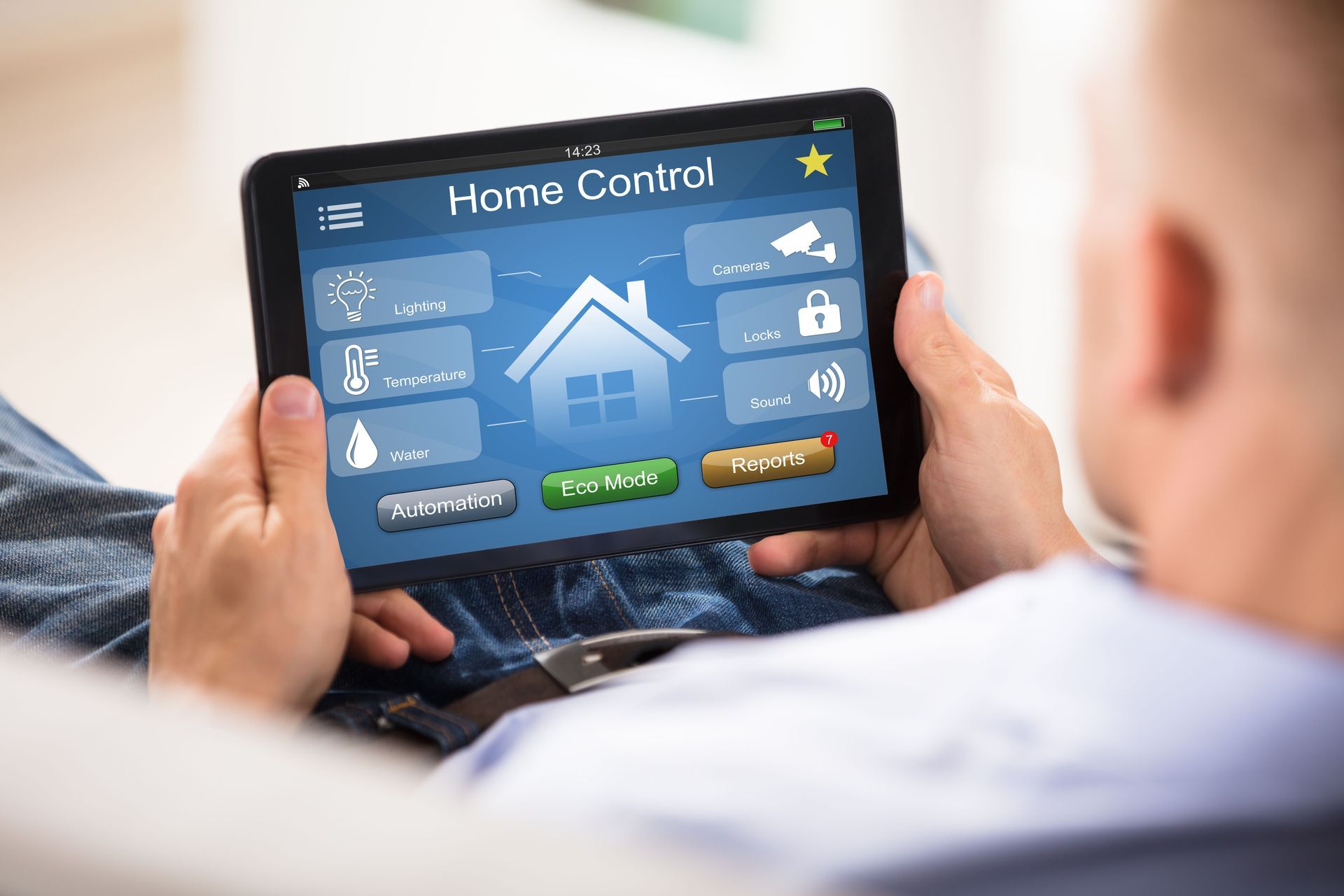
A home theater can become difficult to use when every component requires a separate remote, app, or set of instructions. As equipment is replaced over time, control systems may become fragmented and confusing. Updating controls can make an older theater feel significantly more modern even when the core speakers or display remain unchanged. A streamlined system can combine power, volume, source selection, lighting, and other functions into a simpler interface.
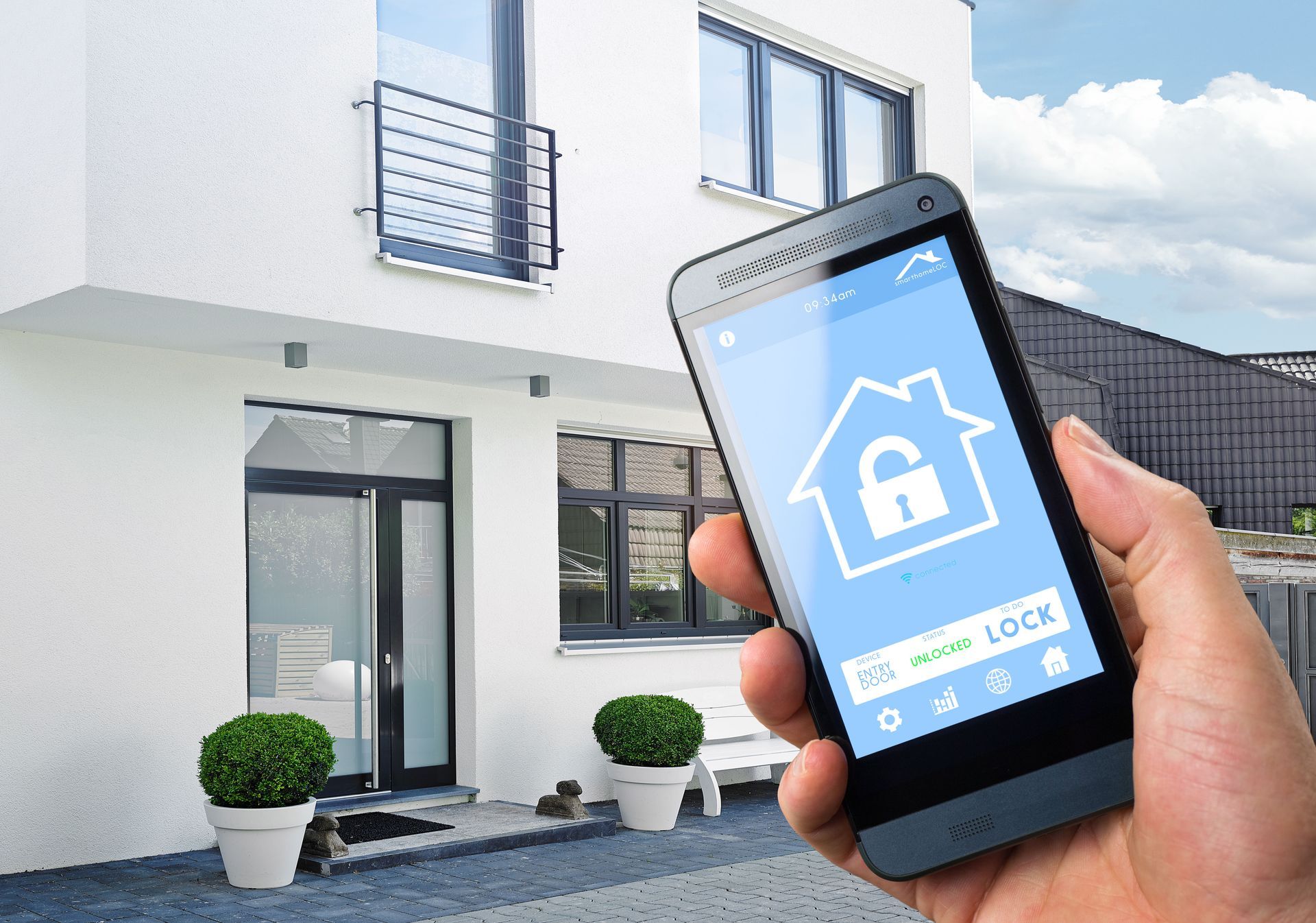
Homeowners should consider how every member of the household interacts with the theater. A system that is technically advanced but difficult to operate may go underused. Modern control options can include universal remotes, touch panels, mobile apps, or automated scenes that prepare the room with one command. Professional audio video services can integrate new and existing components so they work together more consistently. Better control reduces frustration and makes everyday entertainment more convenient.
Plan Your Upgrades to Maintain Long-Term Flexibility
The best way to keep a home theater current is to avoid designing upgrades around only today's equipment. Technology will continue to change, so flexibility should be part of every replacement decision. Accessible wiring paths, extra conduit, adequate ventilation, modular equipment racks, and sufficient electrical capacity can make future upgrades easier. These infrastructure improvements may not be as visible as a new display, but they can reduce the cost and disruption of later changes.
It is also helpful to prioritize components based on performance needs instead of replacing equipment simply because newer versions exist. Some speakers, screens, furniture, and acoustic treatments can remain effective for many years, while processors and streaming devices may change more frequently. Audio video services can create a phased upgrade strategy that balances current performance with future flexibility. This approach helps homeowners maintain a modern system without turning every technological change into a complete renovation.
Keeping a home theater current requires regular evaluation, thoughtful upgrades, and attention to how every component works together. Displays, audio equipment, connections, networks, controls, and infrastructure all influence the overall experience, so replacing one device without considering the rest of the system may create new limitations. By reviewing equipment periodically and upgrading only where improvements provide real value, homeowners can maintain better performance while controlling long-term costs. A flexible plan also makes it easier to adapt as new formats and technologies become available. For professional guidance on evaluating, upgrading, and integrating your home entertainment system, contact Turn-Key Services today.